Free Invoice Generator
Turn a completed job into a tax-ready, itemized invoice and download it as a PDF in seconds.
Open the generator
Free tools
Use ExtraflowDoc online estimate generator to give clients a clear, line-by-line cost estimate for materials and labor for FREE. Trusted by contractors, tradespeople, and service businesses worldwide to set expectations before the work starts.
Free plan available. No credit card required.
More free tools
The same fast, no-signup document builder for every other document your team sends. Each generator opens here as soon as it's ready.
Turn a completed job into a tax-ready, itemized invoice and download it as a PDF in seconds.
Open the generatorBuild itemized sales quotes with live pricing, then send or download them in seconds.
Open the generatorTurn scope, pricing, and terms into a polished, on-brand proposal ready to sign.
Open the generatorRaise accurate purchase orders to suppliers with quantities, unit prices, and totals.
Open the generatorDraft a clean service or sales agreement with the clauses and signature blocks you need.
Coming soon
Document the job, the site, the parts, and the labor so field teams and clients agree up front.
Coming soon
Built for your CRM
Prefer to build estimates straight from your CRM? ExtraflowDoc runs natively inside Pipedrive and monday.com, pulling client and line-item data from deals you already track — no copy-paste, no extra tab.
Open ExtraflowDoc from any deal to pull contact, product, and pricing data straight onto the estimate — no export, no copy-paste.

Build estimates straight from a monday.com board, with client and item data mapped in from your existing columns.
Real examples
Real quotes, estimates, and proposals built by ExtraflowDoc customers — click any example to view it full-screen.
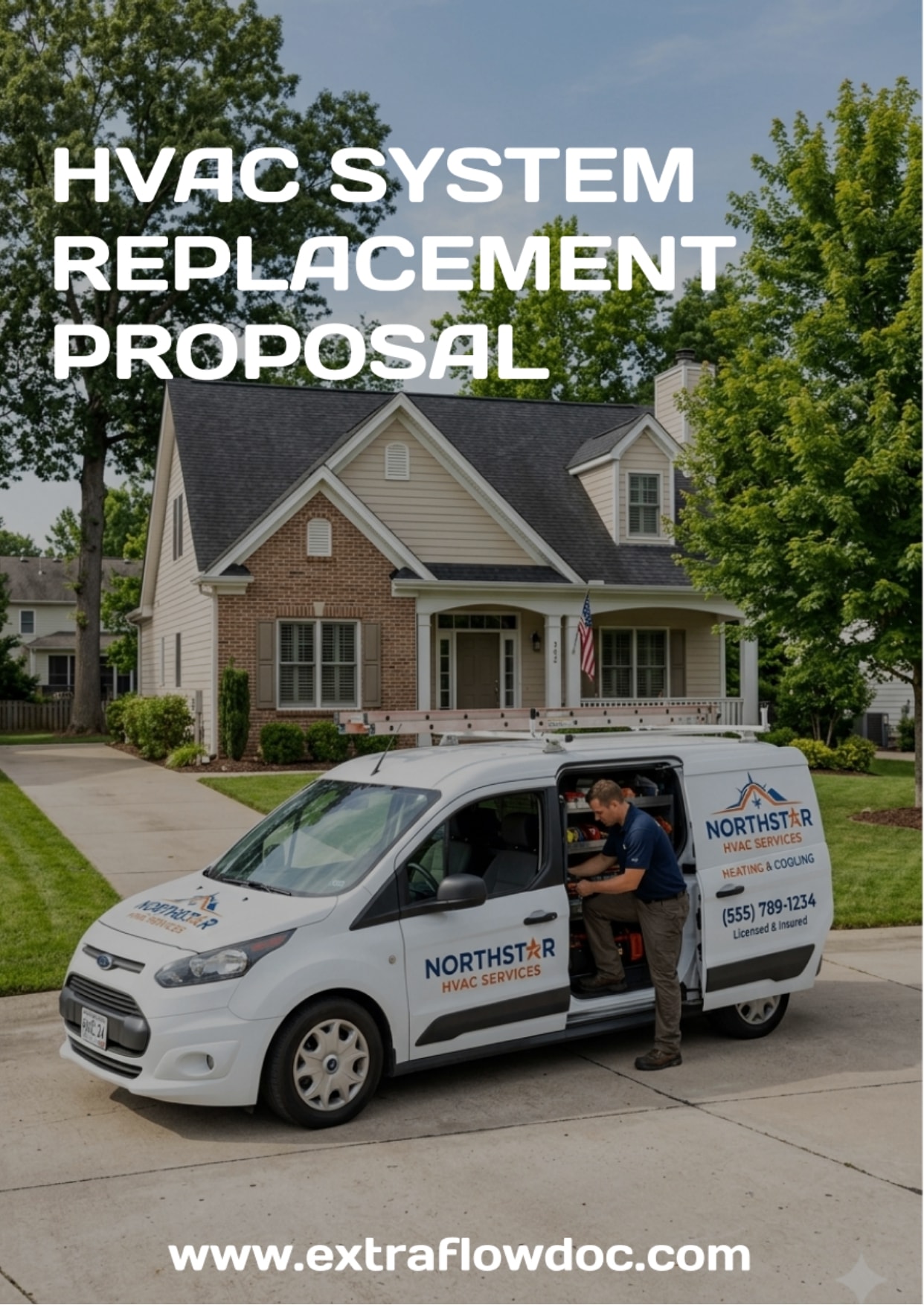
HVAC System Replacement Proposal Example
Explore a professional HVAC system replacement proposal example with equipment.
View HVAC System Replacement Proposal example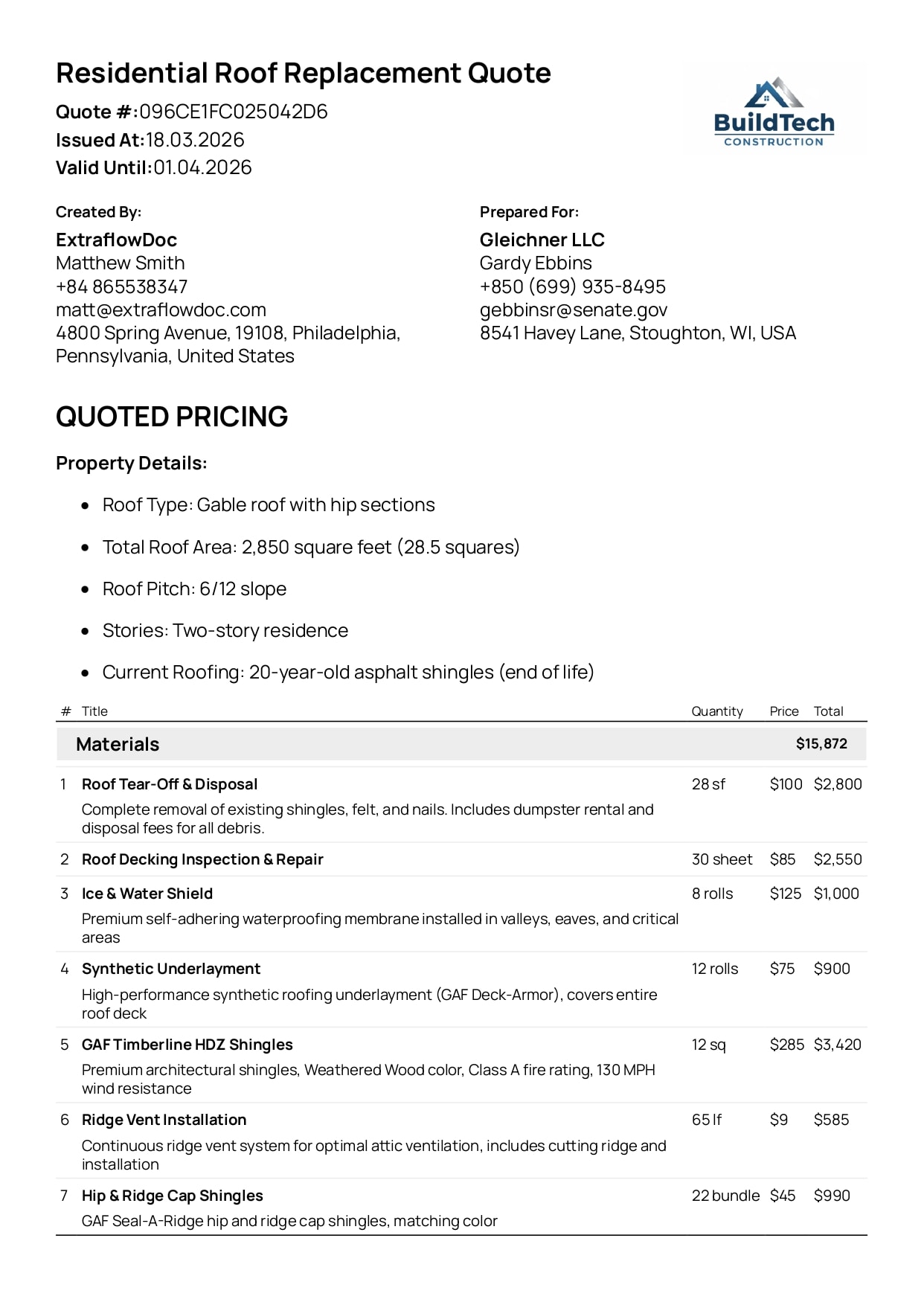
Residential Roof Replacement Quote Example
Detailed quote with materials, labor, and totals — clear for both your team and the client.
View Residential Roof Replacement Quote example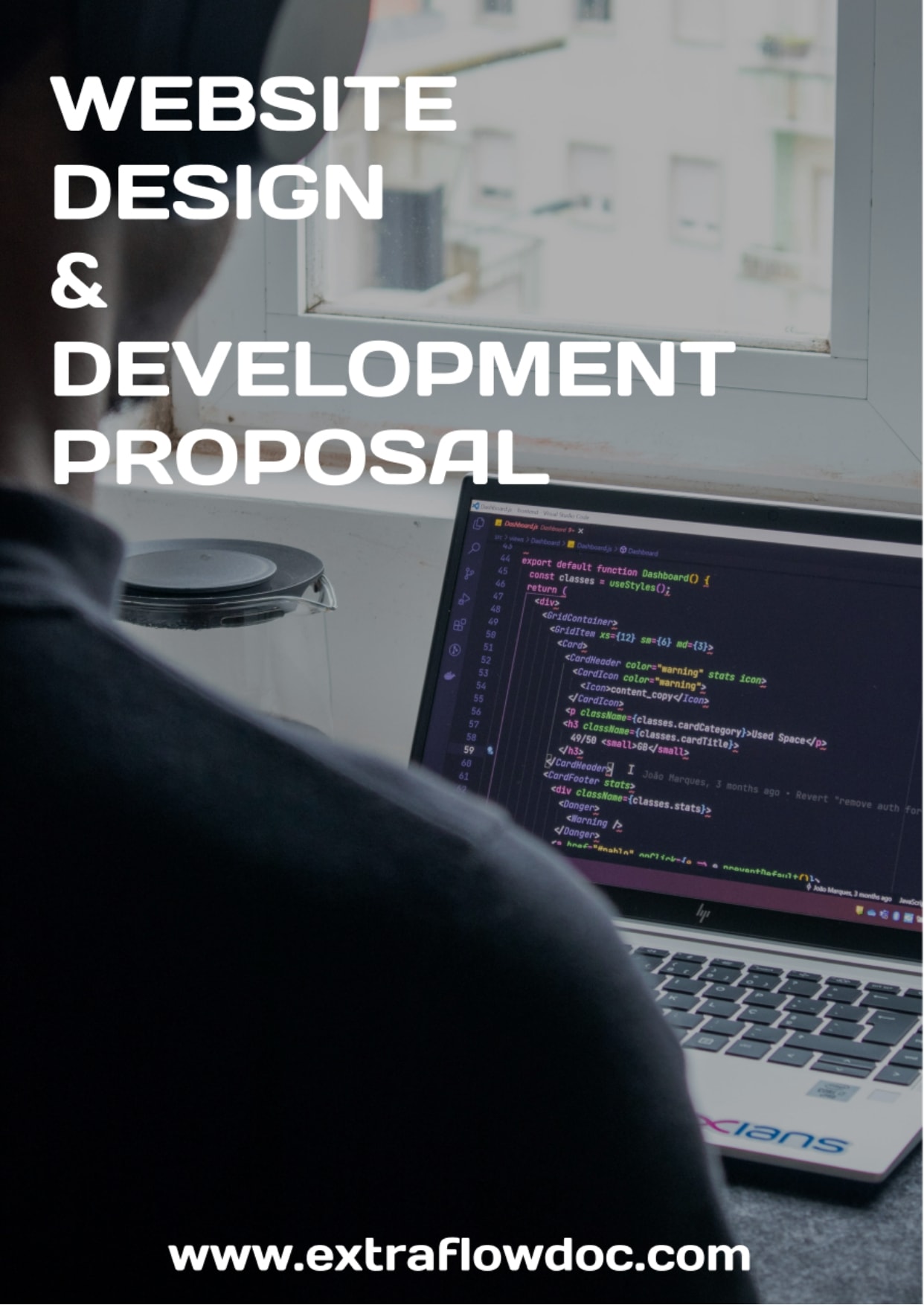
Website Design Proposal Example
A structured proposal with scope, pricing, and timeline — ready to send in minutes.
View Website Design Proposal example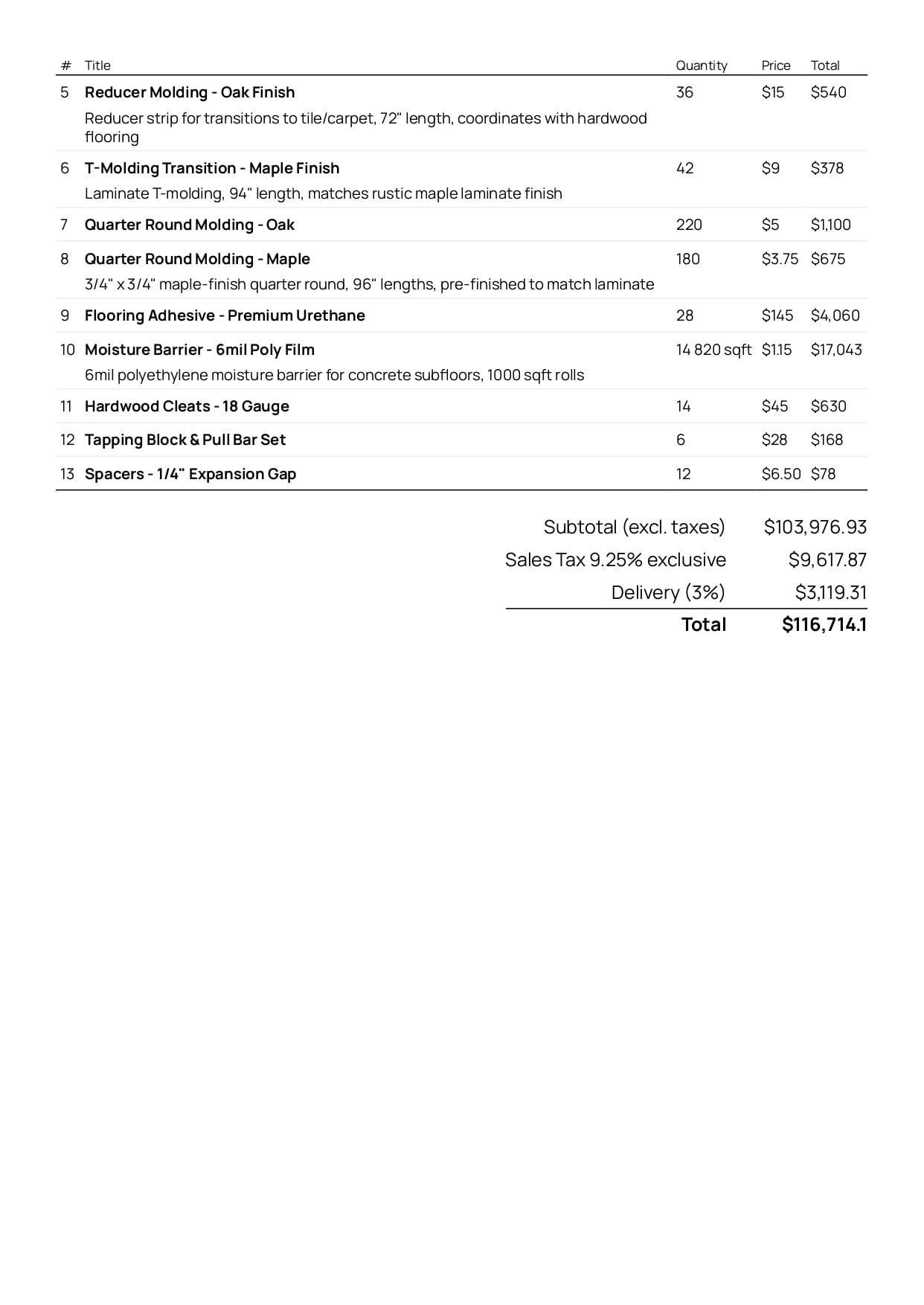
Flooring Materials Estimate Example
Explore a professional flooring materials estimate example.
View Flooring Materials Estimate example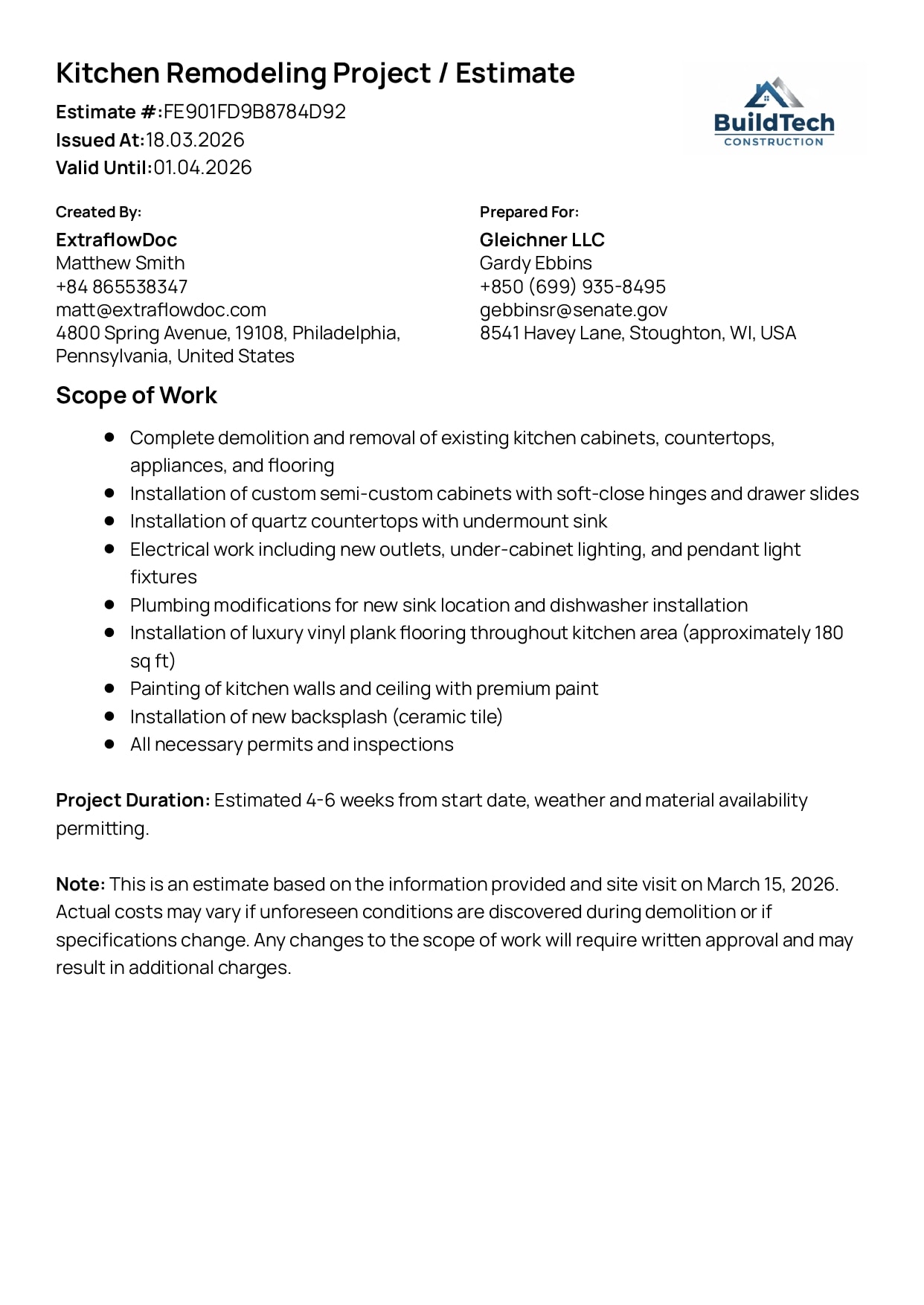
Kitchen Remodeling Project Estimate Example
Break down complex projects into transparent costs and phases your client can trust.
View Kitchen Remodeling Project Estimate example
Landscaping Quote Example
Explore a professional landscaping quote example.
View Landscaping Quote example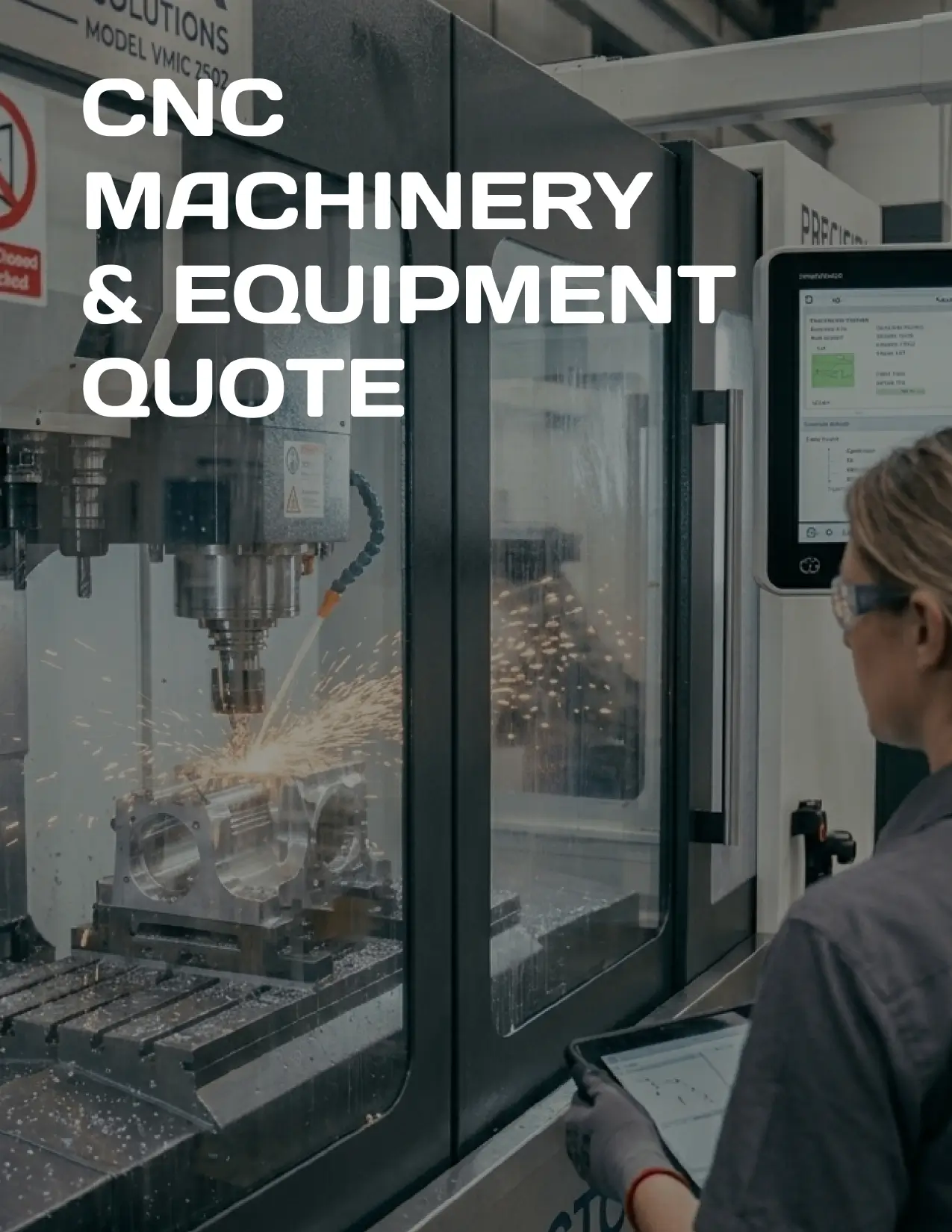
CNC Machinery & Equipment Quote Example
Explore a professional CNC machinery and equipment quote example.
View CNC Machinery & Equipment Quote exampleCustomer stories
“Best ROI of any software we've purchased. Paid for itself in the first week.”
“Game changer for our construction business. Complex estimates that used to take hours now take 10 minutes.”
“The Pipedrive integration is seamless. All our client data auto-fills perfectly.”
FAQ
Everything you need to know about creating cost estimates with ExtraflowDoc.
Yes. You can build an estimate, preview it, and download it as a PDF at no cost, with no credit card. A free ExtraflowDoc account adds saving, reusing, and pulling client and product data from your CRM.
No. You can fill in the estimate and download it without signing up. Creating a free account only matters when you want to save estimates, reuse them for similar jobs, or connect Pipedrive or monday.com.
A cost estimate is a document a contractor or supplier gives a client that sets out the expected cost of a job — materials, labor, and other charges broken out line by line — before the work is booked. It is an informed approximation, not a fixed price.
An estimate is an approximation that can change as the job is scoped. A quote is a fixed price the seller commits to for a stated period. Give an estimate when variables like site conditions or material prices are still uncertain; give a quote when you can pin the price down.
A proposal defines and sells the work — objectives, scope, method, and team — with price as one section. An estimate is the itemized cost on its own. Send an estimate when the client mainly needs the number.
An estimate is issued before the work and is not a request for payment. An invoice is issued on or after completion and asks for payment by a due date, based on what was actually done.
Your business details, the client's details, a unique estimate number, the date, a description of the work, an itemized list of materials and labor with quantities and rates, the subtotal, any tax, the estimated total, and a note that the figure is an estimate that may change.
There is no universal rule, but be honest about the range and say what could move it — extra materials, hidden damage, access problems. Some jurisdictions and contract types cap how far a final bill can exceed a written estimate without the client's approval, so check your local rules.
Yes. If the scope or costs change once work begins, issue a revised estimate or a change order and get the client's sign-off before continuing, so the final invoice is never a surprise.
Yes. Pick the currency your client pays in and set the symbol and number format so the estimate reads correctly in their market.
Yes. Enter your line items and a tax rate, and the subtotal, tax, and estimated total update automatically as you edit — no spreadsheet math.
Yes. Set one or more tax rates and labels — VAT, GST, PST, or sales tax — per line item or across the whole estimate, so it matches your local tax-authority requirements.
Yes. Group line items into sections — materials, labor, equipment, or project phases — so the client can see exactly where the cost sits.
Yes. Add an allowance or contingency line for work that can't be priced exactly yet, and mark items as optional so the client can choose what to include.
Yes. Add your logo and business details once, and every estimate you generate or reuse keeps that branding.
Yes. Generate a clean, print-ready PDF in one click, ready to email to your client or attach to a message.
Use a consistent, sequential scheme such as EST-0001, EST-0002 so every estimate is unique and easy to trace. Many businesses prefix the year or a client code, for example 2026-014.
Generally an estimate is not a binding offer — it is a good-faith approximation. It can still matter legally: misleading estimates can breach consumer-protection rules, and once a client accepts a quote or signs a contract based on it, those terms bind. Check your jurisdiction.
Yes. Firm the numbers up into a quote for the client to accept, and after the job convert it into an invoice in one click inside ExtraflowDoc for Pipedrive or monday.com, with every line item carried over.
Save an estimate and duplicate it for similar jobs, keeping your standard materials and labor rates and adjusting quantities per site. ExtraflowDoc is localized into 30 languages with line-item VAT, GST, PST, and sales-tax support, so estimates work for international clients and local tax rules alike.
Ready to estimate faster?