
Add a content block
For HVAC contractors
HVAC quoting software for heating and cooling contractors
ExtraflowDoc turns a replacement call into a proposal the homeowner can actually compare: the system they have now beside the one you're proposing, every component priced on its own line, a day-by-day install timeline, and a signature collected at the kitchen table.
- Proposals
- Quotes
- Estimates
- Agreements
- Work orders
- Purchase orders
- Delivery notes
- Invoices
Free plan available. No credit card required. Or build a proposal in your browser with nothing to install.
Free plan, no credit cardSign in the home, on a tabletE-signatures included
See it in action
What's Inside ExtraflowDoc?
Explore 15 screenshots for a better understanding — click any screenshot to view it full-screen.
Cover page and quotation block
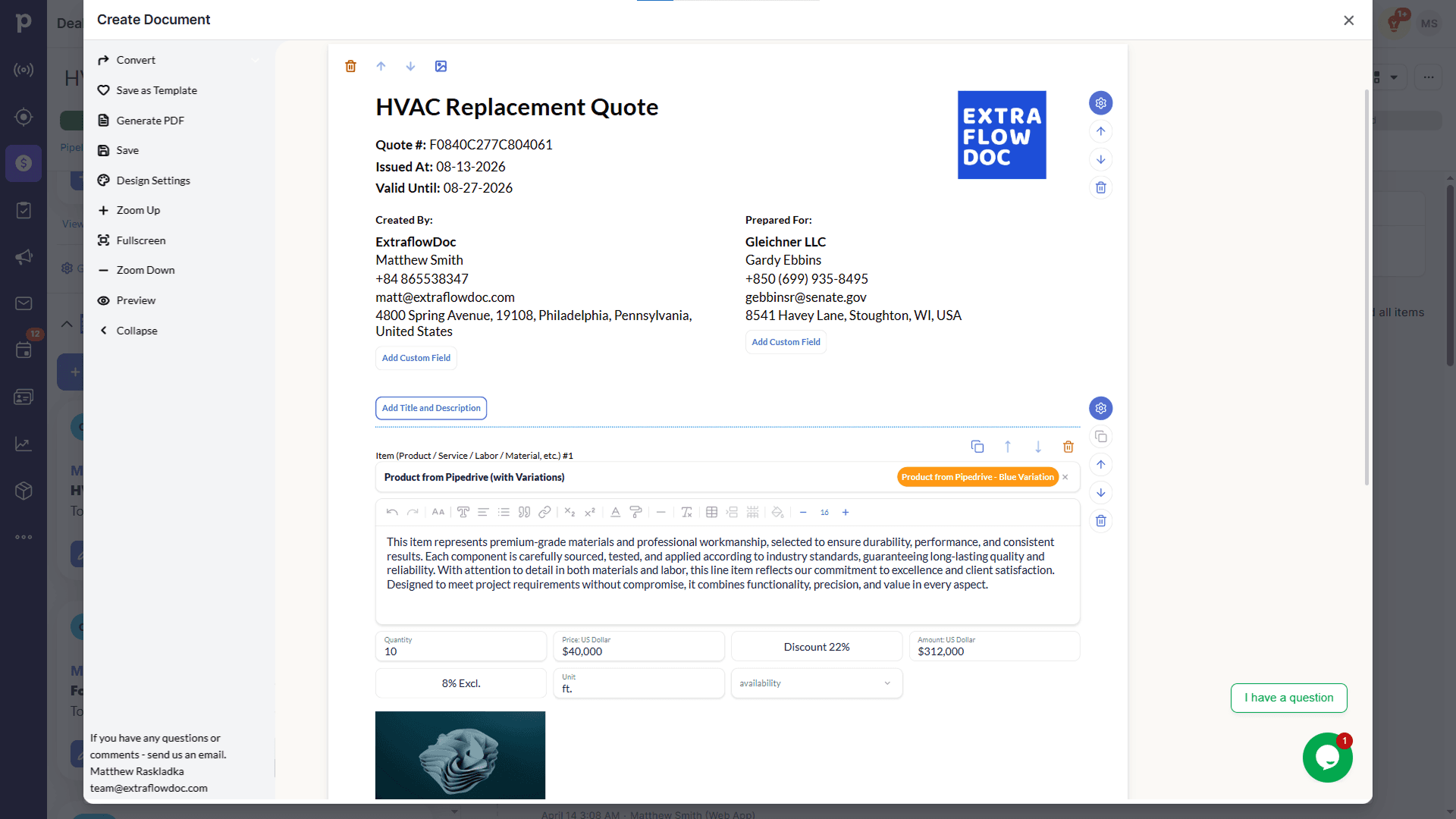
Line item with a product photo
Line items and the block picker
Warranty section and running totals
Photo gallery with numbered callouts
PDF preview — cover page
PDF preview — quotation
PDF preview — line items and totals
PDF preview — signature block
Cover, quotation, and line items
Scope, terms, and signatures
ExtraflowDoc inside a Pipedrive deal
Start from a document or a template
Quotation block settings
Built for the replacement sale
What an HVAC proposal has to get right
You are rarely the only quote on the kitchen table, and the homeowner is comparing documents they don't fully understand. Six things decide whether yours is the one they can follow.
The system they have, next to the one you're proposing
Open with the existing unit — its age, condition, and why it's failing — then the proposed replacement directly after it. A text block and a photo gallery do this on page one, so the homeowner understands what they're buying before they reach a number. A bare price list never explains itself.
Condenser, furnace, coil, thermostat and labor on separate lines
Break the system into its components rather than quoting a single installed price. Each line carries its own quantity, price and margin, so equipment can sit at cost plus markup while labor runs at your hourly or flat-rate figure and the permit passes through at cost.
Good, better and best on one page
Lay two or three pricing tables side by side — a builder-grade unit, a higher-efficiency option, and the variable-speed system — in one document. The homeowner chooses a tier instead of choosing between you and the company that quoted lower, and you stop rewriting the proposal twice a week.
A day-by-day install timeline they can plan around
Changeouts disrupt a house. Set out what happens on day one and day two — removal, placement, linesets, electrical, commissioning — so the customer knows when they'll be without heat and when you'll be out of their way. It answers the question they were about to ask.
Calculated columns for tonnage, zones and runs
Multi-head and multi-zone jobs don't price per unit. Add a formula column for heads × per-head install, linear feet × cost per foot of lineset or duct, or zones × commissioning time, and the totals follow when the design changes rather than being retyped.
Signed in the home, then billed from the same lines
It runs in a browser on a tablet, so the proposal can be presented and signed before you leave — with email verification and a timestamped audit trail. Once it's won, convert it to an invoice in one click and raise the supplier purchase order for the equipment from the same lines.
Worked example
Anatomy of a real HVAC replacement proposal
This is an actual six-page ExtraflowDoc proposal for a residential system changeout. It is worth reading closely, because it is structured to be understood by a homeowner rather than by another contractor.
Page 1 — a cover, because this is a five-figure decision at home
A branded cover page with your company, the homeowner and the job title. On a commercial bid this would be optional; on a replacement sale it is the difference between a document that gets shown to a spouse that evening and one that gets skimmed and forgotten. It also buys you the two seconds in which the homeowner decides whether you look like the professional option.
Page 2 — the current situation, then the proposed solution
The existing system and its condition are described first: what is installed, how old it is, and why it is being replaced. The proposed high-efficiency replacement follows immediately, and the equipment pricing table begins on the same page. That order matters. A homeowner who reads the diagnosis before the price is evaluating a solution; one who meets the price first is comparing numbers between three companies whose scopes they cannot tell apart.
Page 3 — equipment pricing, line by line, down to the total
Condenser, furnace, coil, thermostat and labor each appear as their own line item with quantity and line total, running to subtotal, tax and total. Because every line stands alone, the customer can see that the higher figure on your proposal buys a different coil rather than a bigger margin — and you can see which component is carrying the job when you set your own markup.
Page 4 — project scope, property assessment and the install timeline
The full scope of work point by point, the assessment of the property, and a day-by-day installation timeline. This is the page that prevents the argument: what is included, what the house needs before you arrive, and how long the system will be down. Nothing here is a claim about your product — it is a claim about your process, which is what the homeowner is actually buying.
Page 5 — terms, warranties and who is responsible for what
Payment options, warranty coverage, cancellation rights and the homeowner's own responsibilities, spelled out before work begins. Consumer replacement work has a right-to-cancel period and a warranty conversation attached to it; having both in the signed document rather than in a text message is the entire reason the page exists.
Page 6 — installation site photos, then both signatures
Photographs of the installation site and a signature block for both the company and the homeowner, built into the document. Nobody prints anything, and the signed PDF carries the diagnosis, the equipment, the scope, the timeline and the warranty together — which is exactly what you want on file if the customer calls in year three.
Residential document examples
The HVAC proposal, and its neighbours in the trade
The full HVAC proposal plus two other documents sold the same way — to a homeowner, for work installed in their house. Click any example to view it full-screen.
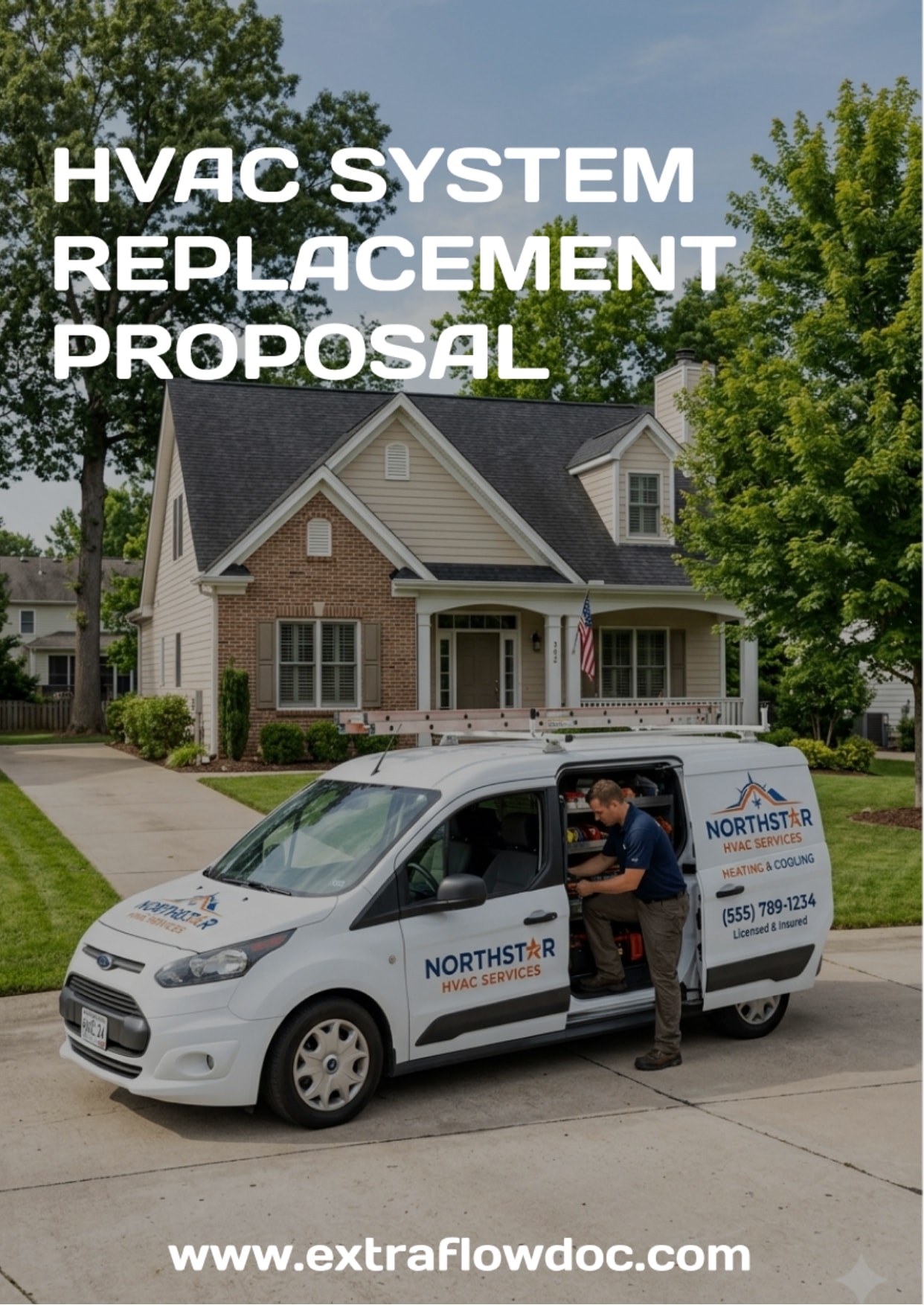
HVAC System Replacement Proposal Example
Current system, proposed replacement, component pricing, install timeline, terms and signatures.
View HVAC System Replacement Proposal example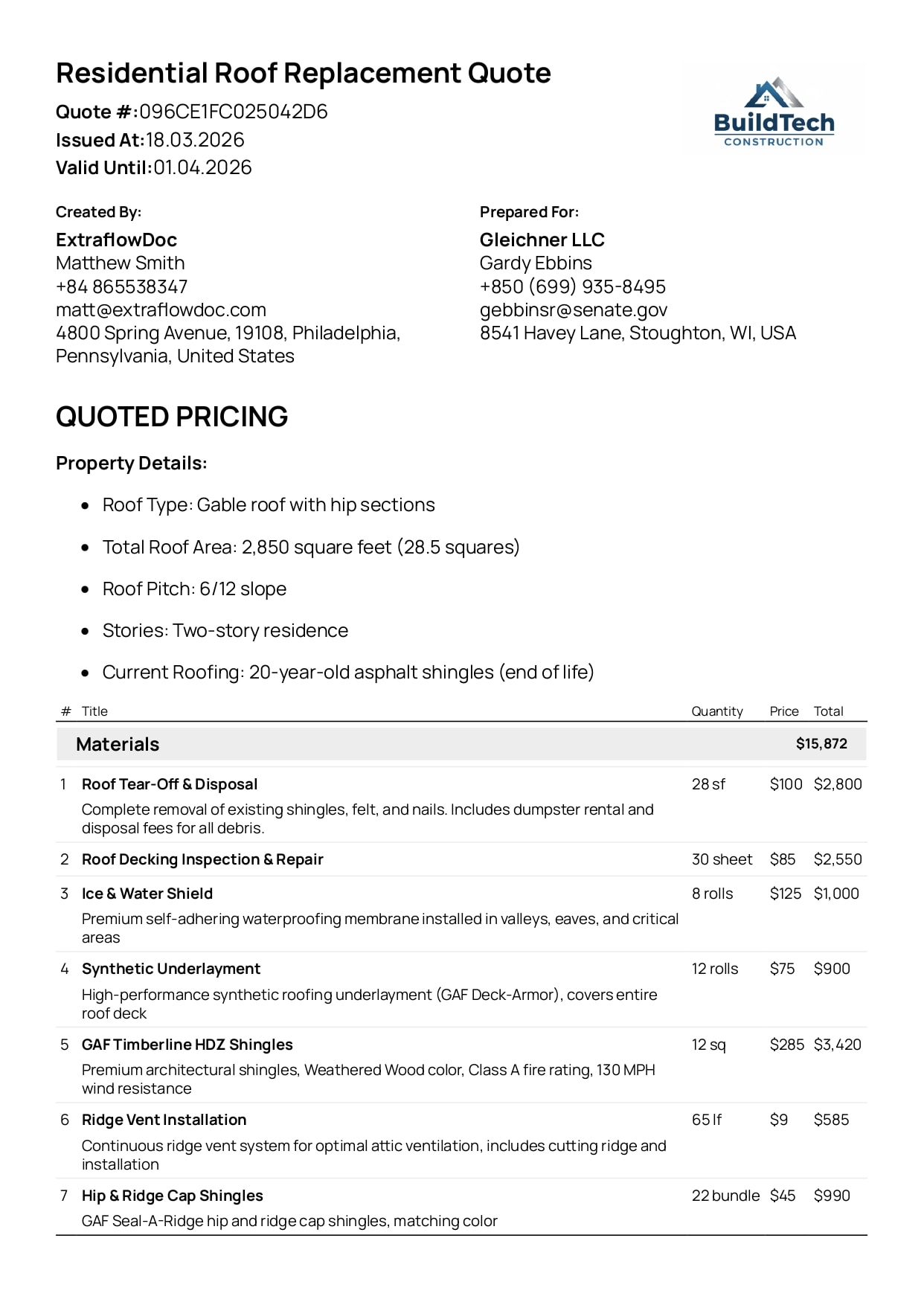
Residential Roof Replacement Quote Example
Another homeowner replacement sale — tear-off, materials, labor and permits itemized rather than lumped.
View Residential Roof Replacement Quote example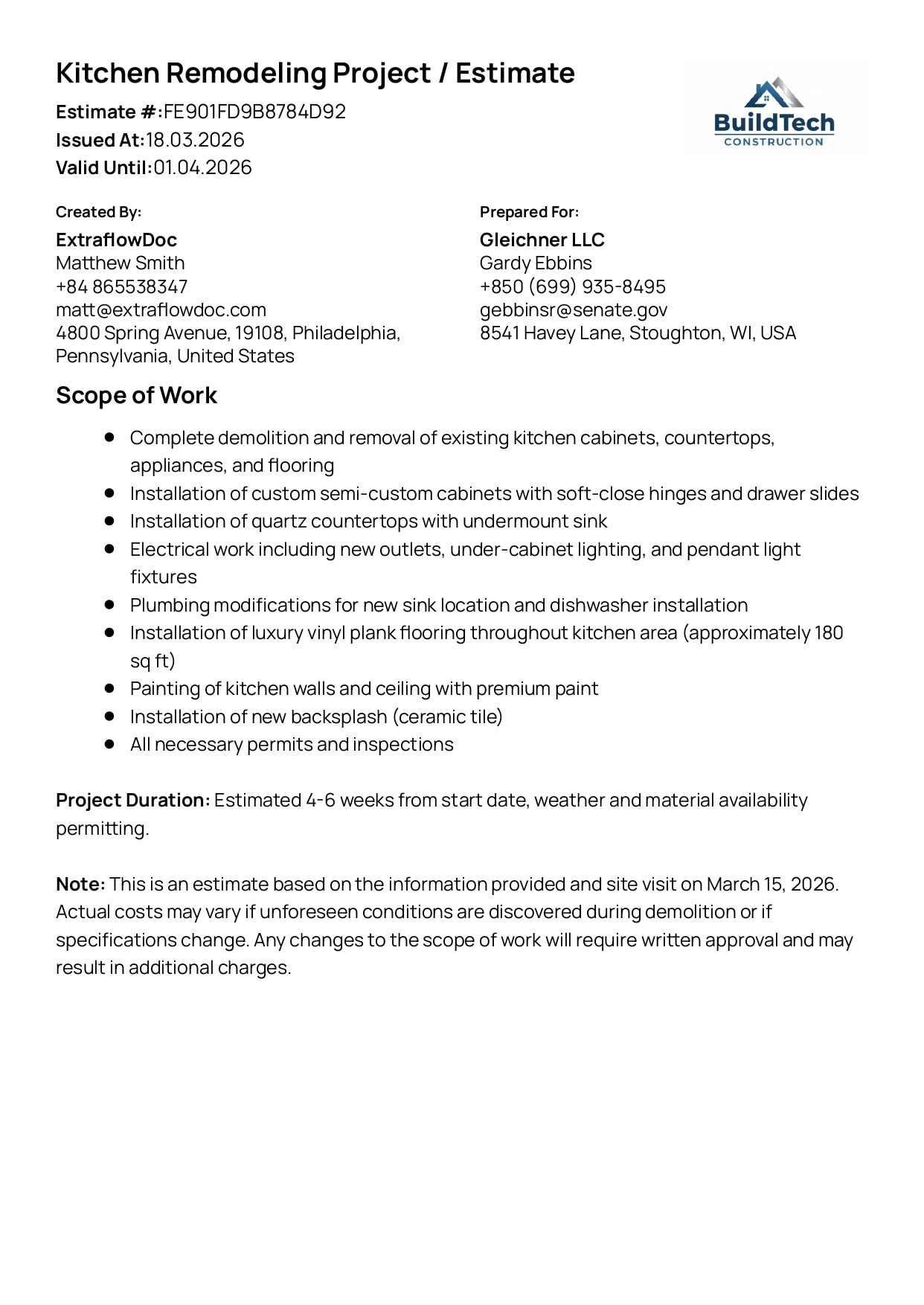
Kitchen Remodeling Project Estimate Example
A multi-trade job in an occupied home, broken into phases the customer can follow.
View Kitchen Remodeling Project Estimate exampleSee the transformation
Build it in the editor, hand over the PDF at the kitchen table
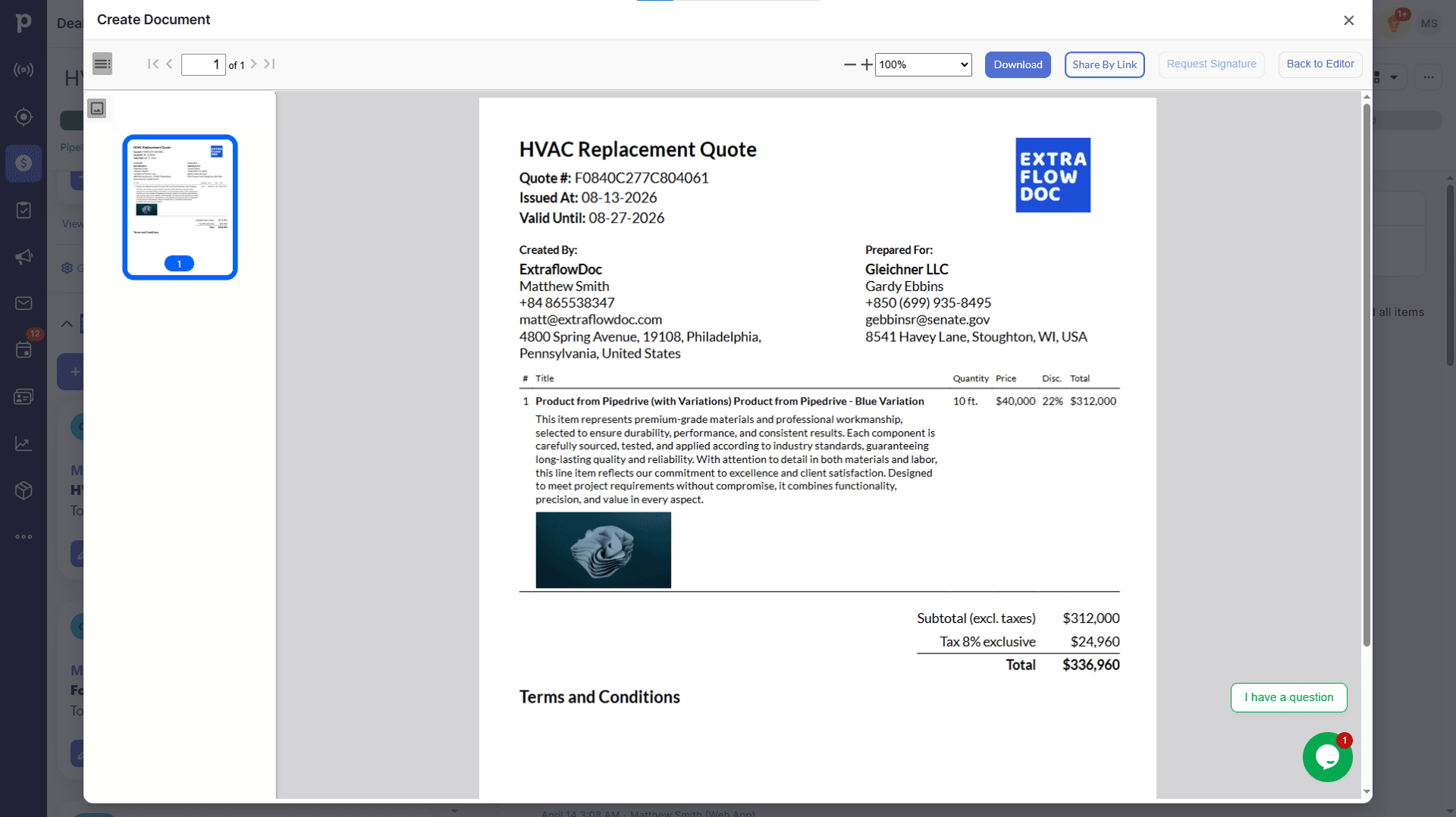
Blocks, equipment lines and photos on the left; the finished proposal the homeowner reads on the right. Drag the handle to compare.
Customer stories
From contractors selling installed work to homeowners
“Best ROI of any software we've purchased. Paid for itself in the first week.”

“Game changer for our construction business. Complex estimates that used to take hours now take 10 minutes.”

“Very intuitive. Our team was creating professional proposals on day one with zero training.”

Integrations
Quote from the service call you already logged
ExtraflowDoc installs into Pipedrive and monday.com and opens inside the deal or board item — so the proposal is built where the call, the site visit and the equipment photos already are.

HVAC quoting in Pipedrive
Open ExtraflowDoc from the deal the replacement call created. Homeowner, service address and any custom field you map — system age, tonnage, fuel type — flow into the proposal, and the signed PDF stays on the deal for the warranty years.

HVAC quoting in monday.com
If your jobs run on a monday.com board, build the proposal straight from the item. The columns you already keep populate the document, and the finished proposal is stored back against the job rather than on a laptop in a van.
Pricing
Per company, so every comfort advisor is on it
Comfort advisors, the install coordinator and the office all work from the same plan at no extra cost — ExtraflowDoc charges by document volume per company, not per seat. Start free and move up as the season picks up.
Free plan
USD $0/month
5 documents/month per company
- Estimates
- Quotes
- Proposals
- Invoices
- Agreements
- Purchase Orders
- Delivery Notes
- Work Orders
- Custom Documents
- Templates
- Integration with Pipedrive
- Integration with monday.com
- E-Signatures
- CPQ
- Tiered Pricing
- Volume Discounts
- Multiple Taxes
- Pricing Engine for line items (Price, Price + Markup, Price + Profit Margin)
Basic plan
USD $14.99/month
20 documents/month per company
- Estimates
- Quotes
- Proposals
- Invoices
- Agreements
- Purchase Orders
- Delivery Notes
- Work Orders
- Custom Documents
- Templates
- Integration with Pipedrive
- Integration with monday.com
- E-Signatures
- CPQ
- Tiered Pricing
- Volume Discounts
- Multiple Taxes
- Pricing Engine for line items (Price, Price + Markup, Price + Profit Margin)
Standard plan
USD $24.99/month
35 documents/month per company
- Estimates
- Quotes
- Proposals
- Invoices
- Agreements
- Purchase Orders
- Delivery Notes
- Work Orders
- Custom Documents
- Templates
- Integration with Pipedrive
- Integration with monday.com
- E-Signatures
- CPQ
- Tiered Pricing
- Volume Discounts
- Multiple Taxes
- Pricing Engine for line items (Price, Price + Markup, Price + Profit Margin)
FAQ
HVAC quoting software: frequently asked questions
Including the four things ExtraflowDoc does not do, so you find out now rather than after you install it.
What is HVAC quoting software?
It's software that turns a replacement or install job into a proposal the homeowner can accept: the existing system and the proposed one, equipment and labor as separate priced lines, an install timeline, warranties and a signature. ExtraflowDoc does that from the deal the service call already created, so the proposal starts from the customer and site data you captured rather than a blank template.
Does ExtraflowDoc do load calculations or equipment sizing?
No. ExtraflowDoc does not perform Manual J, Manual S or any heat-loss or heat-gain calculation, and it will not size or select equipment for a home. It takes over once you know what you're installing: pricing it, presenting it, and getting it signed. Contractors keep their load-calc software or spreadsheet for sizing and use ExtraflowDoc for the proposal that follows.
Does it pull live pricing from my distributor?
No. There is no feed from equipment distributors or manufacturers, so list prices don't update themselves. You maintain your own product catalog inside the CRM — with your real cost and your sell price — and search it while building the proposal. That means your pricing is yours, but it also means keeping it current is your job.
Can I show good, better and best options in one proposal?
Yes, and it is the single biggest reason to move off a one-price quote. Lay two or three pricing tables side by side in the same document — base, high-efficiency and variable-speed, for instance — each with its own line items and total. The homeowner picks a tier rather than picking a contractor on price alone.
Can I price equipment and labor separately?
That's the normal way to build a proposal here. Condenser, furnace, coil, thermostat, linesets, electrical and labor each sit on their own line with their own quantity, price and margin. You can run equipment at cost plus markup while labor is a flat rate per install and the permit passes through at cost — all in the same document.
Can it handle multi-zone or ductless jobs where the price isn't per unit?
Yes, with calculated columns. Add a formula column for heads × per-head install labor, linear feet × cost per foot of lineset or duct, or zones × commissioning time, and the totals recalculate when the design changes. A four-head mini-split and a two-head job then price from the same structure instead of two hand-built quotes.
Can I include photos of the existing system and the install site?
Yes. Line items carry their own images, and full-page photo gallery blocks with descriptions sit alongside the pricing. Showing the rusted heat exchanger you found beside the line item that replaces it does more for the close than another paragraph of specification.
Can I get the proposal signed in the customer's home?
Yes. ExtraflowDoc runs in a browser on a tablet with nothing to install, so you can present the proposal, adjust an option in front of the homeowner and request the signature before you leave. Signatures carry email verification, a timestamp and an audit trail, and the status updates in real time when it's opened and signed.
Does it schedule installs or dispatch technicians?
No. ExtraflowDoc has no dispatch board, technician scheduling, or field-service management. It documents the install timeline you commit to in the proposal; it doesn't assign crews or track trucks. It sits alongside a field-service tool rather than replacing one.
Can I use it for maintenance agreements?
You can produce the agreement — agreements are a document type in the same editor, so a service plan can be written, priced and signed like any other document. What ExtraflowDoc does not do is track renewals, bill the plan on a recurring schedule, or remind you when it lapses. That part stays with your service software.
Can the proposal become the purchase order and the invoice?
Yes. A won proposal converts to an invoice in one click with every line carried over, and the purchase order for the equipment goes to your supply house from the same line items. The numbers on the order match the numbers the homeowner approved, because they are the same numbers.
Is there free quoting software for a small HVAC company?
ExtraflowDoc's free plan covers 5 documents a month per company with unlimited users — workable for a one- or two-truck shop quoting a handful of changeouts. Paid plans start at USD $14.99/month for 20 documents, and because billing is per company rather than per seat, adding every comfort advisor in season doesn't change the price.
Ready for the next changeout?